
Know exactly how support performs.
Track every call, chat and email. Advanced reporting over any time range helps you spot trends and optimize operations.
Free plan available. No downloads or installation.
Features
Stop guessing how support performs.
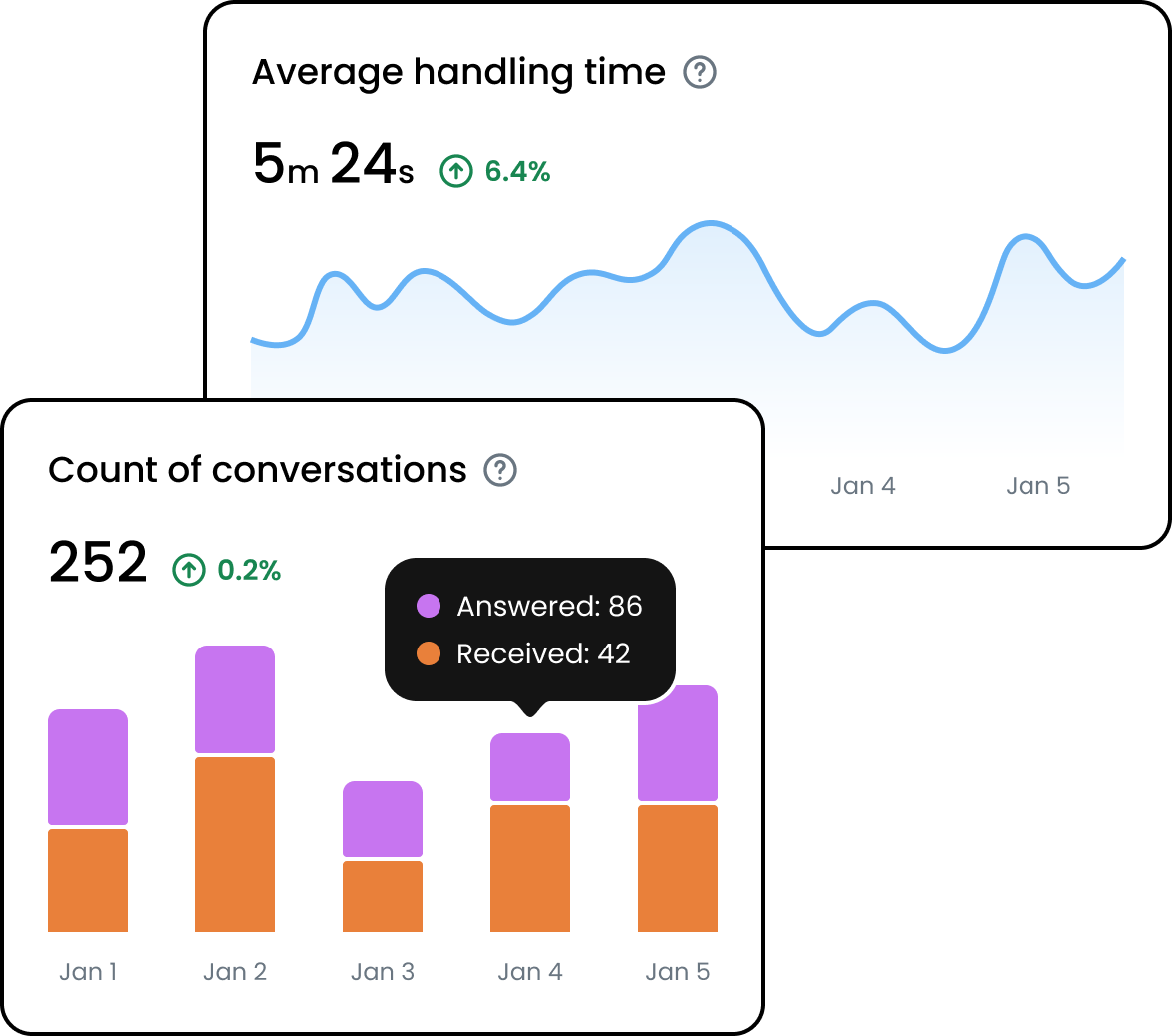
From first response to resolution, every number in one place.
Efficiency
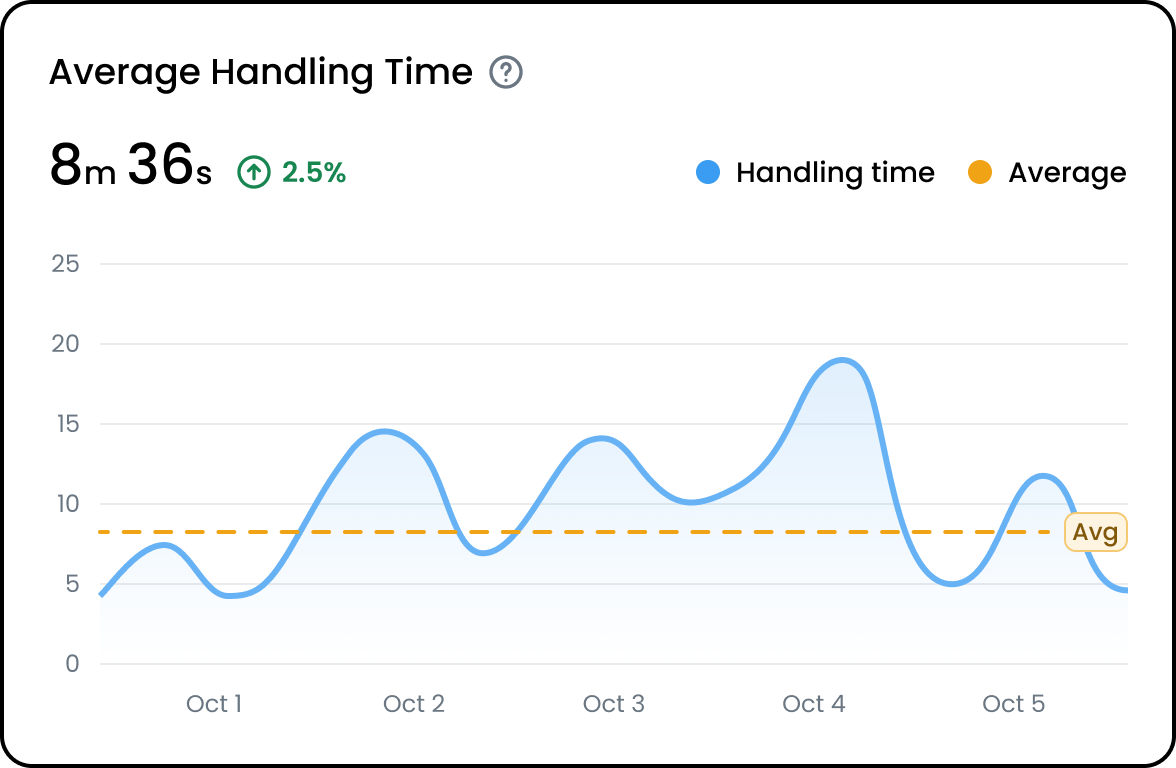
Monitor average handling time
Measure average handling time and find where your team can move faster.
Speed
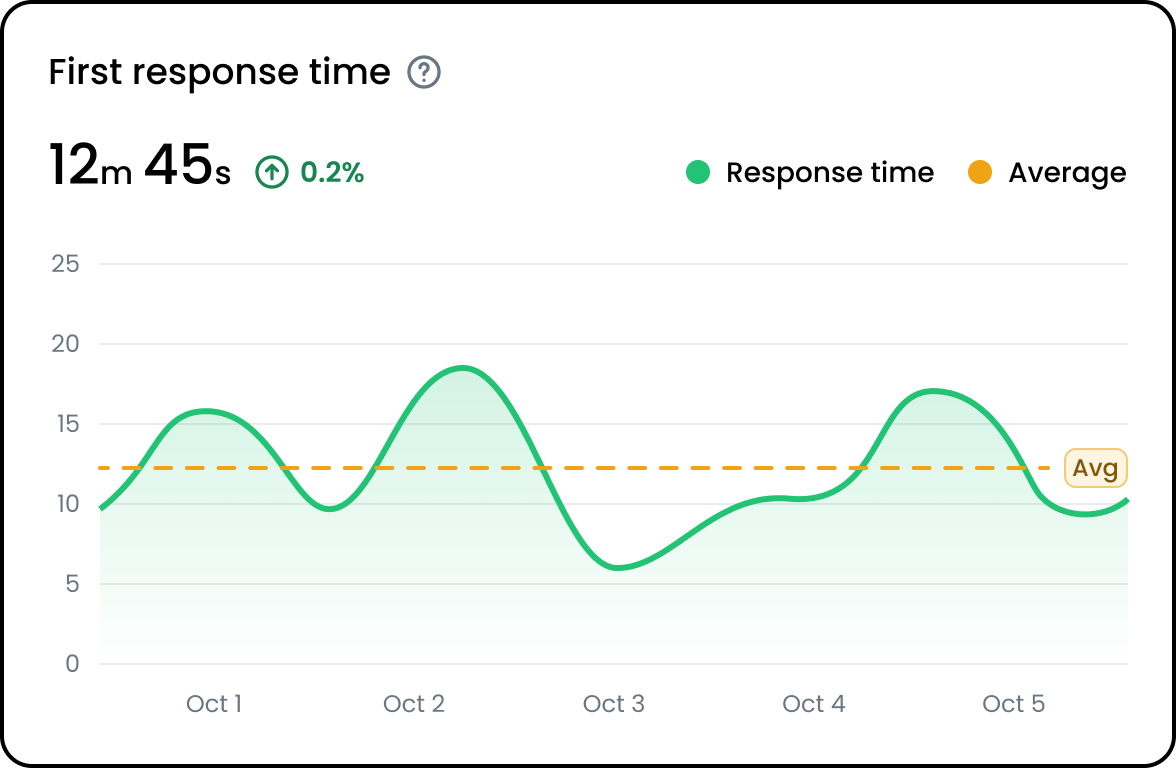
First response time analysis
Analyze first response time for every agent and team, and watch it drop.
Automation
Chatbot performance
See how often AI Agents and chatbots resolve, and when they hand off.
Channels
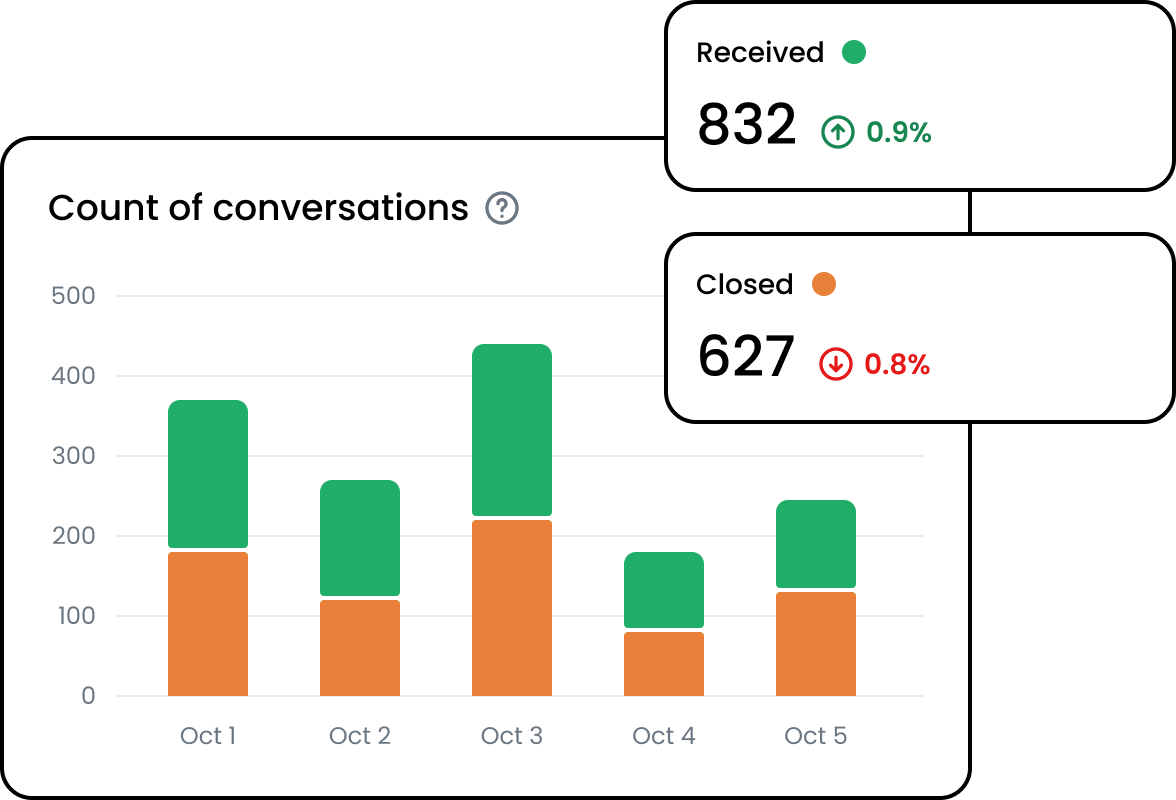
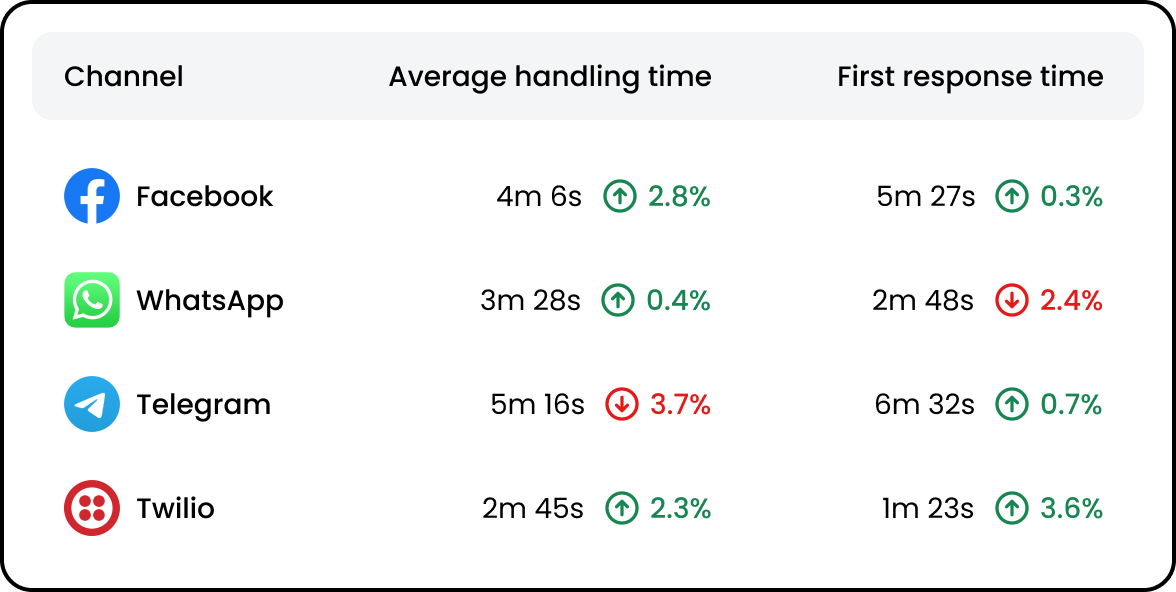
Channel-specific reports
Compare volume and performance across every channel you support.
Overview
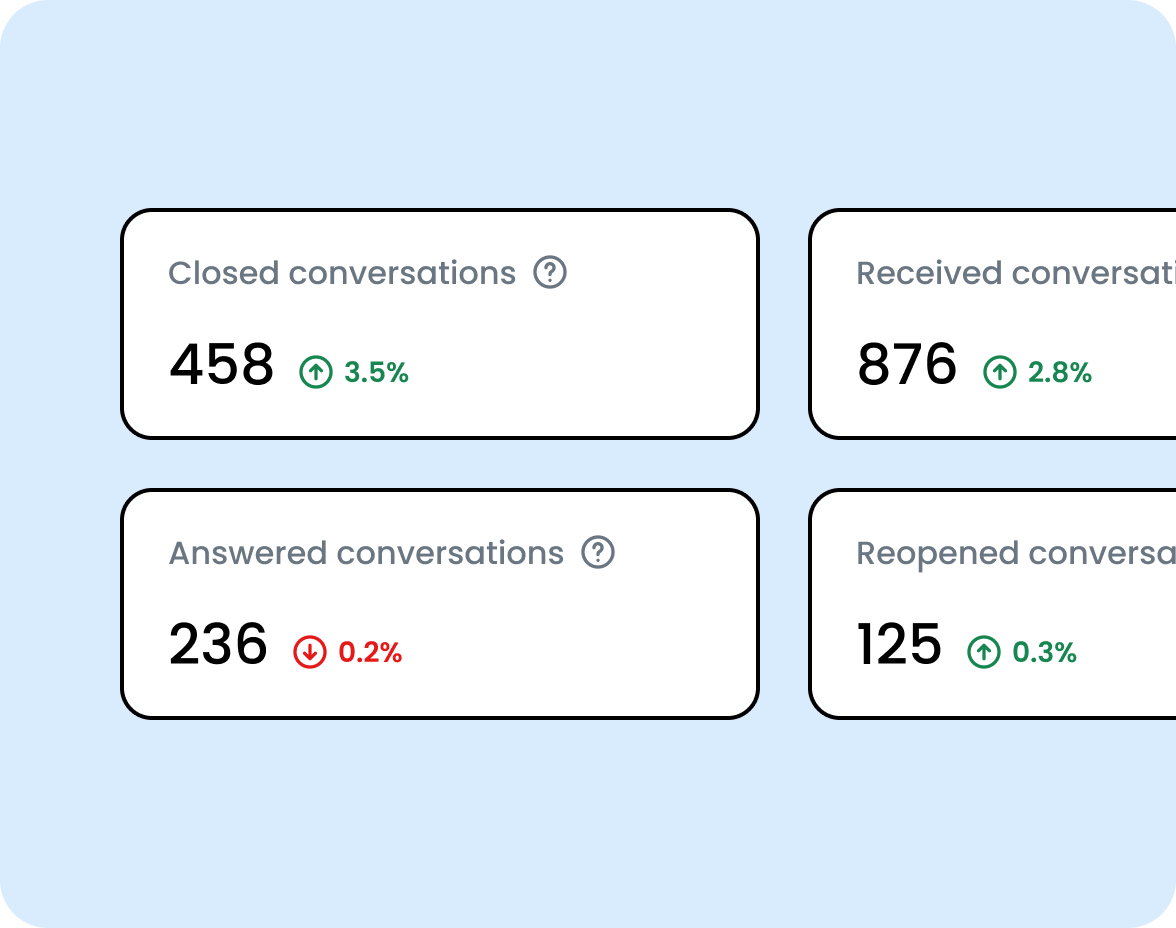
Reports overview
One overview of all your reports to compare data from every source.
Filters
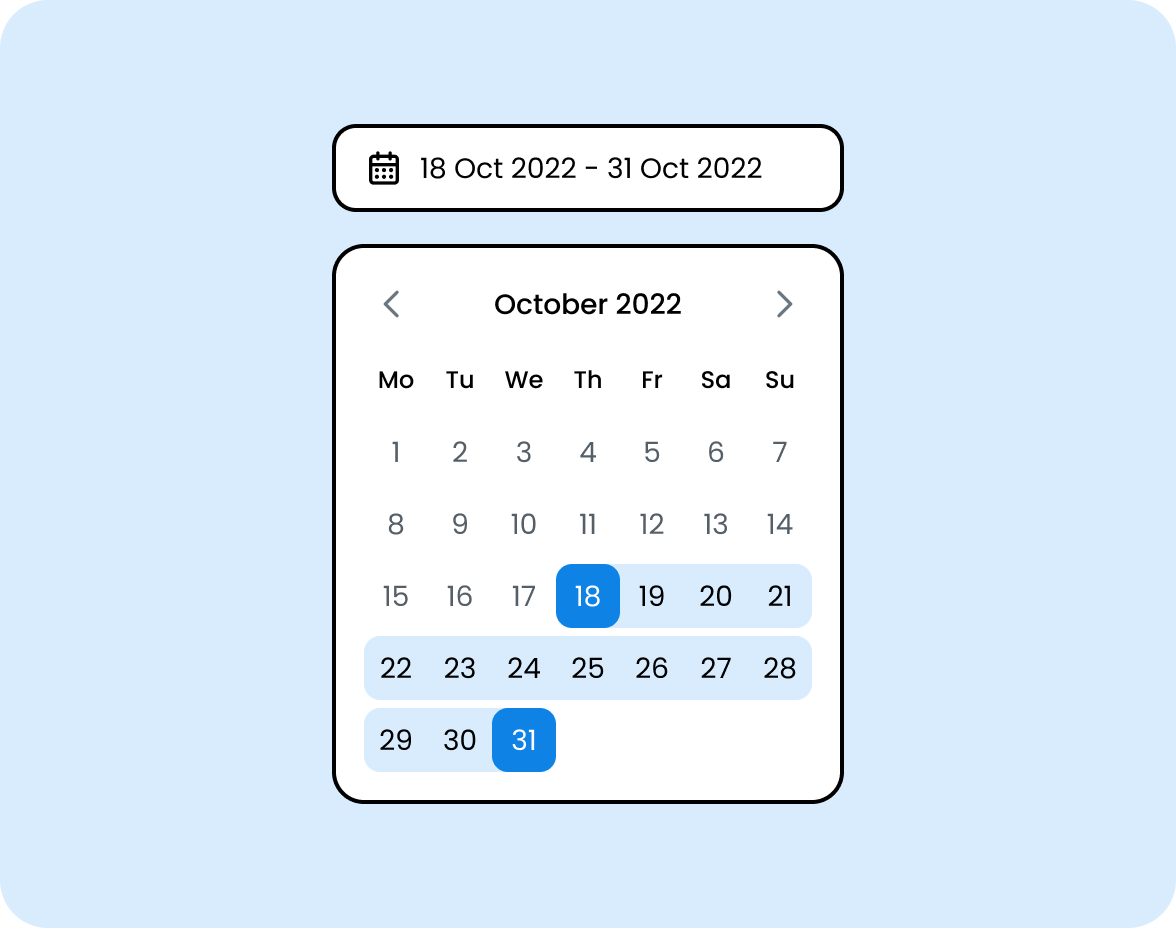
Custom range filter
Set a custom date range to focus on exactly the period you care about.
Report types
A report for every question.
Company reports
Customer interactions, agent performance and chatbot usage across all channels.
Agent reports
Productivity and performance for each agent on your team.
Chatbot reports
How well your chatbot and AI Agents automate inquiries.
Tag reports
Volume and performance broken down by conversation tag.
Integration reports
How integrations affect conversations and productivity.
Export
Export any report for deeper analysis or sharing.
Questions, answered.
Connect your channels (WhatsApp, web chat, SMS, email, voice and social) to one shared inbox. AI Agents answer routine questions instantly and hand complex conversations to your team with full context.
No. Whelp runs in your browser and you can get started in minutes. iOS and Android apps are available for agents on the go.
A modern web browser is all you need. Some channels, like the WhatsApp Business API, need a short verification with the provider.
Every plan includes unlimited conversations. WhatsApp Business Platform fees are billed separately by Meta.
All cloud connections are encrypted end to end, two-factor authentication is available, and on-premises deployment is available for maximum control. See our privacy policy for full details.
Yes. Contact our team and we’ll cancel it. Your plan keeps its features and limits until the end of the billing cycle.
Yes. Premium and Enterprise customers get packages tailored to their volume. Talk to us for a quote.